Frequently Asked Questions
Below are frequently asked questions when using the game Mech Survival. If you cannot find a suitable answer, please contact us via the support email at the bottom of the page.
1. What is Mech Survival?
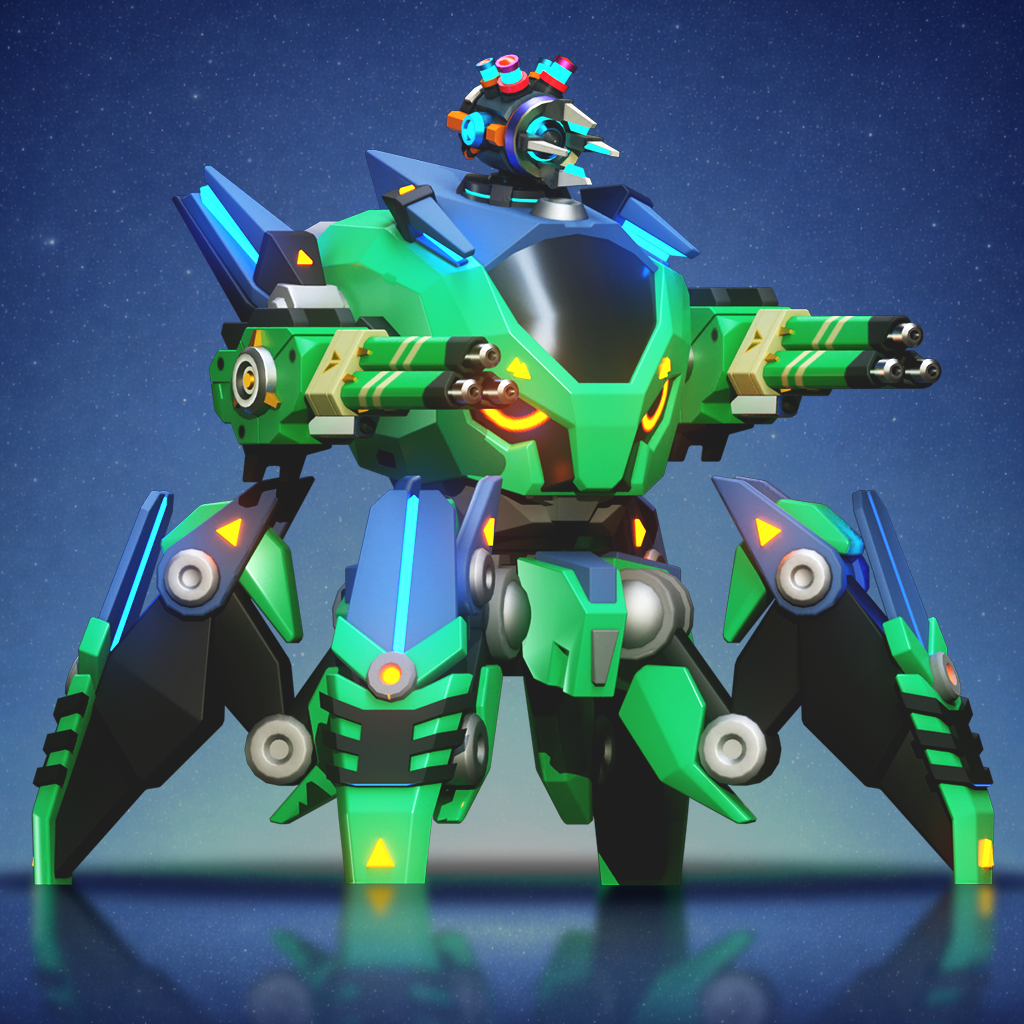
Mech Survival is a mobile survival action game in which players control a character/mech, survive waves of enemies, upgrade skills, collect equipment, and conquer increasingly difficult stages.
2. Do I need to log in to play the game?
You can play the game in the way supported by the game. However, we recommend logging in with Google or Apple if this feature is available.
Logging in helps you:
- Save your game progress;
- Restore your account when switching devices;
- Synchronize data more effectively;
- Reduce the risk of data loss when deleting or reinstalling the game.
3. Which accounts does the game support for login?
The game may support login through:
- Google Sign-In;
- Apple Sign-In;
- Other login methods if added in the future.
We do not collect your Google or Apple password. Login is handled by the respective platform.
4. What should I do if I lose my game progress?
If you lose your game progress, please contact us and provide the following information if available:
- Player ID;
- Email linked to your game account;
- Platform used: Android or iOS;
- Character name/nickname;
- Screenshot of your in-game profile;
- Description of the issue you encountered;
- Purchase transaction ID, if any.
We will try to help restore your account if sufficient verification information is available. However, we do not guarantee restoration in all cases, especially if the account was never linked to a login method.
5. If I change phones, can I keep my data?
If your account has been linked to Google, Apple, or a supported login method, you can log in again on the new device to restore your game progress.
If you play without logging in or without linking an account, data may be lost when switching devices, deleting the game, or resetting the device.
6. Why did I not receive the reward after watching an ad?
Ad rewards may not be granted if:
- The ad was not watched to completion;
- The network connection was interrupted;
- The ad system has not confirmed a valid view;
- The app was closed while watching the ad;
- There was an error from the ad provider;
- The system detects abnormal or fraudulent behavior.
You can try checking your network connection, restarting the game, and trying again later. If the issue continues, please contact support and send a screenshot if available.
7. I purchased an item but have not received it. What should I do?
If you have successfully paid but have not received the item, please contact us and provide:
- Player ID;
- Transaction ID or screenshot of the receipt;
- Purchase time;
- Name of the purchased package/item;
- Purchase platform: Google Play or Apple App Store.
We will check and assist with reissuing the item if the transaction is valid.
8. Can I request a refund?
In-app purchases are processed by Google Play, Apple App Store, or the corresponding payment platform. The refund policy depends on the rules of the platform you use.
If you want to request a refund, please do so through Google Play or Apple App Store.
Note: if a transaction has been refunded, items, virtual currency, or benefits related to that transaction may be removed from the account.
9. Can virtual items and in-game currency be converted into real money?
No. Virtual items, virtual currency, equipment, skins, special offer packages, or other in-game content are only for use within the game.
They have no value convertible to real money, cannot be resold, cannot be transferred outside the game, and cannot be exchanged for cash.
10. Why can the game change the stats of skills, characters, mechs, or items?
We may adjust stats, skills, rewards, items, mechs, stages, or events to:
- Balance gameplay;
- Fix bugs;
- Improve the player experience;
- Prevent exploit abuse;
- Ensure the game operates more stably;
- Align with the game's long-term development direction.
These changes may be made through a game update or an in-game data update.
11. Why was my account locked or restricted?
An account may be locked or restricted if the system detects violating behavior, for example:
- Hacking, cheating, bots, macros, or auto-clicking;
- Modifying game data, editing save files, or interfering with the client;
- Purchase fraud or refund abuse;
- Rewarded-ad abuse;
- Exploiting bugs to obtain invalid items;
- Negatively affecting other players or the system;
- Violating the game's Terms of Service.
If you believe your account was locked by mistake, please contact support and provide your Player ID along with a detailed description.
12. Can I play the game without an internet connection?
Some features may work offline, depending on the design of the game. However, features such as login, online data saving, purchases, rewarded ads, events, leaderboards, or account synchronization may require an Internet connection.
13. Does the game collect personal data?
We may collect certain data necessary to operate the game, such as: Player ID; email address if you link or register your game account with your email; nickname/avatar; game progress data; purchase transaction data; advertising data; device data, crash logs, and performance analytics; content you send when contacting support.
Details are described in the Privacy Policy at: Privacy Policy.
14. Can I request account or data deletion?
Yes. You can request deletion of your account or personal data on the /deletion page.
Please provide the email linked to your account and submit your account deletion request there.
After submitting the request, check your email and select the official account deletion link to confirm it.
If needed, you can contact us for support.
When submitting a request, please provide your Player ID, the email linked to your account, and the necessary information to verify account ownership.
Note: after account deletion, you may permanently lose your game progress, items, in-game currency, transaction history, rewards, and related data.
15. How do I turn off personalized ads?
You can manage personalized ads through your device settings or the advertising account settings of the platform you use.
On Android, you can check the ad settings in your Google account or the privacy settings of your device.
On iOS, you can check privacy, tracking, and advertising settings in your device settings.
Some ads may still appear even after you turn off ad personalization, but they may be less relevant to your interests.
16. Is the game intended for children?
The game is not directed to children under the minimum age required by law in the user's country or region.
If you are a parent or guardian and believe that a child has provided personal data to us without appropriate consent, please contact us for support.
17. Where can I report bugs or provide feedback about the game?
You can report bugs, provide feedback, or request support by contacting us via email.
When reporting a bug, please include:
- Player ID;
- Device you are using;
- Game version;
- Description of the bug;
- Screenshots or video, if available;
- Steps to reproduce the bug, if possible.
The more complete the information is, the easier it is for us to check and assist you.
18. How can I contact support?
You can contact us through the support email mechsurvival@skylicht.com or the following channels:
- Support Email: mechsurvival@skylicht.com
- Website: https://mech-survival.skylicht.com
- Privacy Policy: Privacy Policy
- Facebook: Mech Survival Facebook
- Discord: Mech Survival Discord
We will try to respond to your request within a reasonable time.